
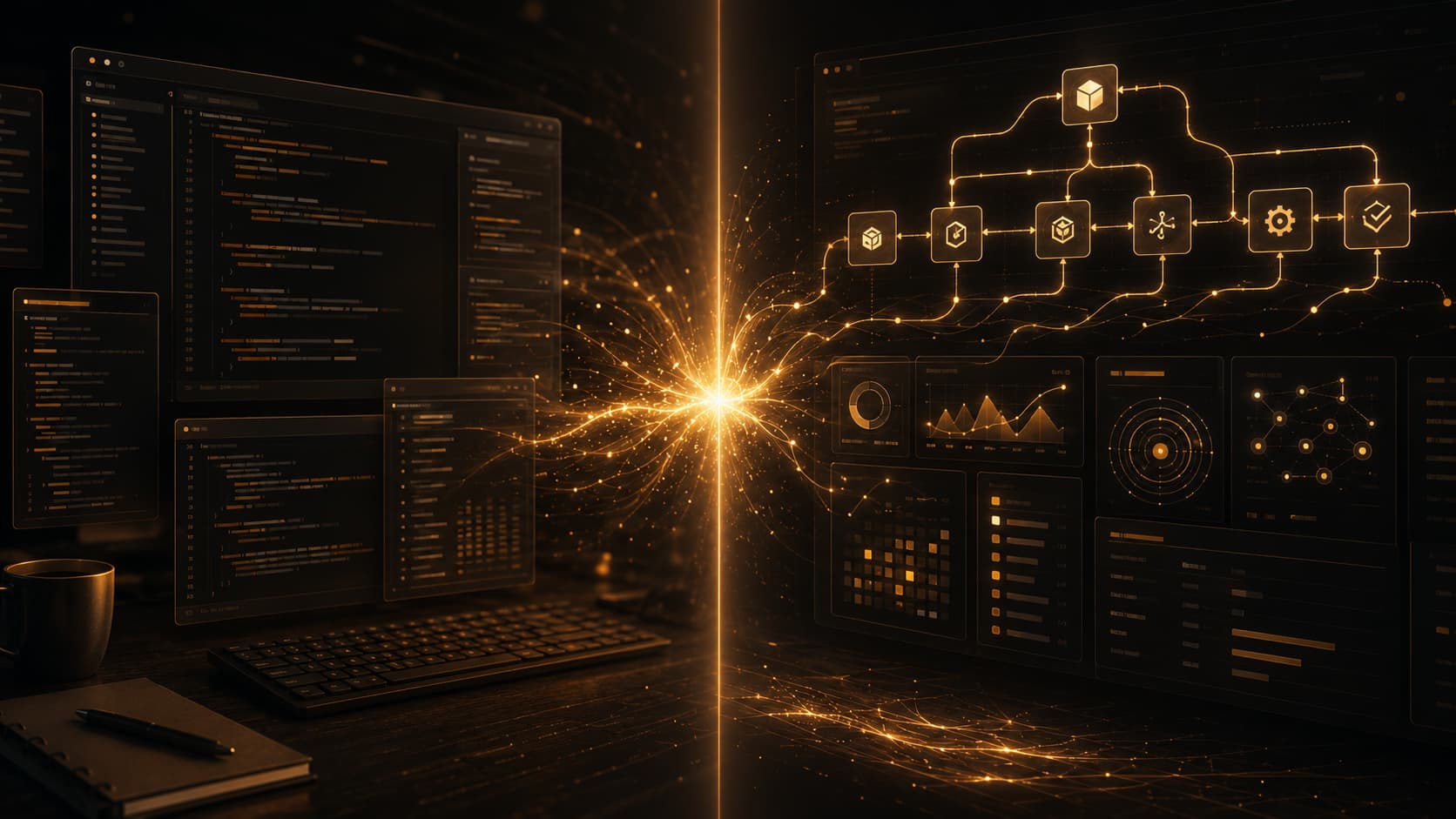
Claude Code and Google Antigravity are not the same kind of product — and that gap is exactly what makes comparing them worth your time. One keeps you close to the code. The other wants to lift you above it. Here is what actually matters when choosing between them.
A colleague reached out to me last week with a pretty simple question: “I keep hearing about both of these — which one should I actually use?” I gave them a quick answer in the moment, but it got me thinking. The honest version is longer than a one-liner, and probably worth writing down properly. So here it is.
Let me be upfront about something first
When most people type “Claude” into a search bar, they are thinking about the Anthropic assistant — the one you chat with to draft emails, explain code, or debug something. That is not what this post is about.
Claude Code is a separate product. Anthropic describes it as an agentic coding tool that reads your codebase, edits files, runs terminal commands, and integrates into your actual development environment — across the terminal, IDE, desktop app, and browser. It is less “chatbot for code” and more “AI that lives where you work.”
Google Antigravity comes at this from a different angle entirely. Google positions it as an agentic development platform — not just a coding assistant, but something closer to a mission control for autonomous agents that can plan tasks, write code, and browse the web. They literally use the phrase “Mission Control” in their own docs.
So this is not a clean IDE-vs-IDE shootout. It is more like comparing a precision instrument to an orchestration system. Both involve AI. Both involve code. But they optimise for very different things.
The one-line version
Claude Code: AI that works alongside you in the code.
Google Antigravity: AI that works above the code, coordinating bigger units of work.
That distinction sounds subtle. It is not. It changes everything about how you actually use each tool day-to-day.
Where Claude Code actually shines
1. You want to stay close to what is happening
We’ve all been there — the AI does something impressive, you have no idea how, and you spend the next hour verifying output you could have written in twenty minutes. That’s not help. That’s just a different kind of work.
Claude Code sits inside your terminal and IDE rather than pulling you into a separate interface. You see every edit, every command. Nothing happens behind a curtain — and that matters more than it sounds when you’re trying to stay oriented inside a codebase you actually care about.
Think about the last time you had to debug something genuinely weird — a race condition, a silent data corruption issue, something that only surfaces in production at 2am. For that kind of problem, you don’t want an AI that steps back and gives you a summary. You want one that digs in with you.
2. Reasoning-heavy work, not just speed
One thing that genuinely separates Claude Code from a lot of AI coding tools is how it handles the messier, more ambiguous parts of the job. Refactoring a module that grew in four different directions over eighteen months. Understanding what a previous developer was actually trying to do. Thinking through whether a proposed architecture change will create more problems than it solves.
That is where the reasoning quality of the underlying model starts to matter a lot more than raw generation speed. And Anthropic has put a lot of emphasis on exactly that — careful, grounded reasoning before making changes.
3. It fits the workflow you already have
Most developers have spent years building a workflow they actually like. A specific terminal setup, a favourite IDE config, particular shortcuts and habits. Claude Code is available across terminal, IDE, desktop app, and browser — which means it can slot into what you already do rather than demanding you rebuild around it.
That might sound like a small thing. Tools that actually stick around are the ones that feel like a natural extension of how you already work — not ones that quietly ask you to rebuild your habits around them.
Where Claude Code has limits
Claude Code is not trying to be a platform. That is a deliberate choice, not an oversight — but it does mean there are things it is not designed for.
If what you want is a centralised system where multiple AI agents coordinate across different services, execute large multi-step goals, and report back to a dashboard-style interface, Claude Code is not that. It is a coding tool, and it mostly stays in that lane.
Also worth noting: the name confusion is real. If you are writing about or recommending Claude Code to teammates, you will need to be precise — “Claude” alone is ambiguous enough that it can mean three different things depending on who you ask.
Where Google Antigravity actually shines
1. You want to operate at a higher level
There is a different kind of developer emerging right now — one who is less interested in micromanaging every edit and more interested in moving whole chunks of work forward by delegating goals to agents.
Google built Antigravity for that person. The language in their own launch materials makes it explicit: “higher, task-oriented level,” “Mission Control,” “agent-first era.” This is not an incremental improvement on Copilot-style autocomplete. It is a different model entirely — one where you define the objective and the agents figure out the steps.
Imagine you are building a new feature that spans the backend API, a database migration, a frontend component, and documentation updates. Instead of moving through each piece manually — even with AI assistance — Antigravity’s pitch is that you describe the feature and the system coordinates work across those layers. That is genuinely compelling if the execution matches the promise.
2. It is a platform, not just a tool
This matters more than it might seem. When Google calls Antigravity a platform, they are signalling that it is designed to grow around your workflows — integrations, plugins, agent coordination, broader ecosystem fit. A tool does one thing well. A platform becomes infrastructure.
For teams or developers who are thinking long-term about how AI fits into their development stack, that is a meaningful distinction.
Where Google Antigravity has limits
Platforms are heavier than tools by definition. If you just need sharp, reliable help with a specific debugging session or a focused refactor, Antigravity may feel like it is doing more setup than the task warrants.
There is also an honest question of maturity. Agent-first orchestration is still a genuinely new paradigm. The developers who will get the most out of Antigravity right now are probably the ones who already have a strong intuition for how to break down complex goals, specify them clearly, and evaluate the output. That is a skill set not everyone has built yet — and tools that require it can feel frustrating if you approach them expecting them to work like a smarter version of a tool you already know.
Bluntly: a lot of developers are probably more excited about what Antigravity promises than what it delivers in a typical working day right now. That may change quickly. But it is worth being clear-eyed about.
So who should choose what?
Choose Claude Code if:
- You want to stay hands-on and close to the code
- Debugging, refactoring, and code understanding are core to your daily work
- You already have a development environment you like and want AI to slot into it
- You want an AI that thinks carefully rather than one that just moves fast
- You are a solo developer or working in a small team where orchestration overhead is not worth it
Choose Google Antigravity if:
- You want to delegate whole tasks rather than individual code edits
- You are comfortable operating at a higher level and evaluating agent output
- You are building systems where multi-agent coordination actually makes sense
- You want a development platform you can grow your workflow around over time
- You are excited by the agent-first model and want to build the habits that go with it
My honest take
I do not think one of these wins. I think they are solving different problems for different developers at different stages of the AI adoption curve.
Claude Code feels like the right answer for the vast majority of working developers right now. It is practical, it integrates into real workflows, and it gets better the more it understands your codebase. The value is immediate and tangible.
Antigravity is a more interesting bet on where development is heading — a world where the developer’s role shifts from writing code line by line to specifying goals and overseeing execution. I find that future genuinely exciting. But “genuinely exciting” and “useful in my terminal at 11am on a Tuesday” are not the same thing yet.
What this comparison actually reveals is that AI development tooling is splitting into two distinct categories: tools that make you a better programmer and platforms that want to change what being a programmer means. Both directions are legitimate. Neither is going away.
The question is not which one is better. The question is which style of building feels natural to you — and which one you actually want to show up to work with every morning.
Have you tried either of these tools? I would be curious what your experience has actually been — especially if it surprised you in either direction. Drop a comment below.


